
The Swap map is constantly updated throughout the day based on live data directly from charging networks and the Swap community. We want to provide that information directly to our users, and our map contains a variety of icons that reflect this data and help you quickly identify locations that will work best for your needs.
We know you might want some additional context on what those icons mean, so we've created a Swap legend to act as a "Map Key." In this article, you can:
- Jump to an image of the Swap Legend
-
Review more detail behind the location icons
- Common icons:
- See steps for finding the legend on the web (Swap.id)
Please remember to check your filters to ensure you can view all stations available within your area. Adding your vehicle to your Swap account will also ensure that you are only viewing locations you need to see.
Important Note: While we do our best at Swap to support our community whenever possible, Swap is not able to control or assist with issues at specific charging locations. If you're experiencing issues with a specific charger, you should contact the charging location directly for support.
Please be sure to leave a "Check In" whenever you have a negative experience, and feel free to leave edits or report details on the location's listing whenever possible. This is the best way for our community to stay informed of location issues before their next visit!
Swap Legends
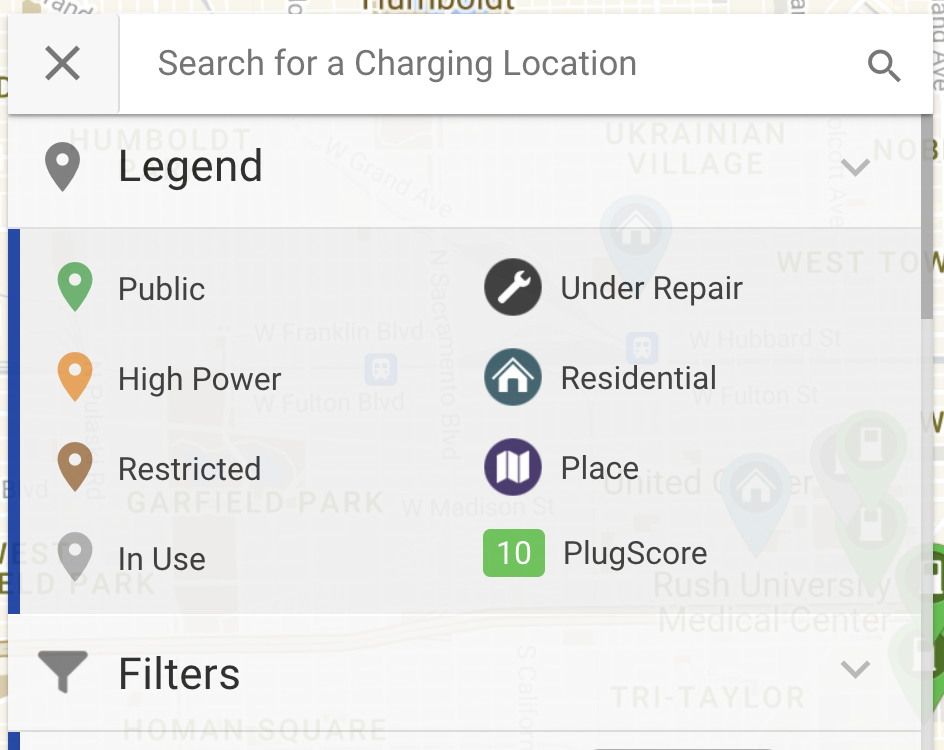
More detail behind the icons:
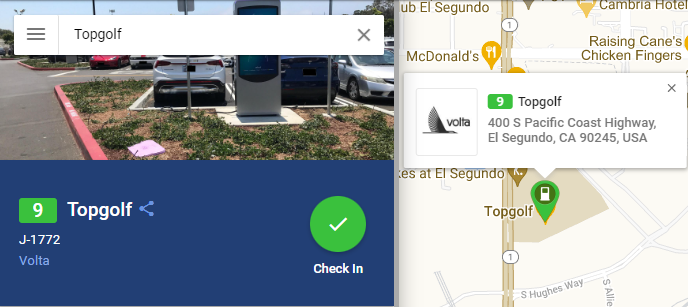
Green location (public):
Publicly accessible Level 1 - Level 2 stations/outlets
We recommend looking into these locations first. They provide the most options for the most vehicles. and are generally straightforward to use.
- These locations will range from 0-50kW in power
- Charging at these locations will take longer than DC type locations, so consider choosing a location with amenities that can help you make use of the charging time
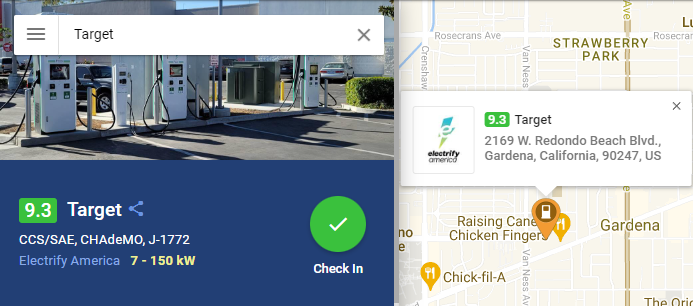
Orange location (high power):
Publicly accessible high power fast charging locations - CHAdeMO, CCS/SAE Combo or Tesla Superchargers
- These locations range as "Level 3" type chargers
- An hour charging session will recharge vehicles to a near full state in most cases
- Highly sought locations, so check availability to ensure a station is ready for use
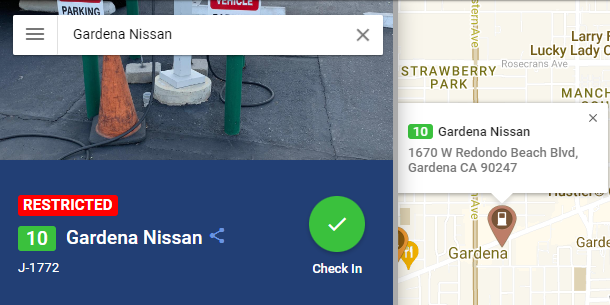
Brown location (restricted):
Locations with no public charging available. These locations are usually workplace employee-only charging, car dealerships, private businesses that only allow customers, or hotels that only allow guests to charge.
Grey location (in use):
The Swap map is constantly updated based on live data directly from charging networks and the Swap community. This icon will show locations where all or most of the available stations are currently in use or otherwise unavailable.
Please know, however, that we do not always have data on every location, so using this filter does not guarantee all shown stations are available.
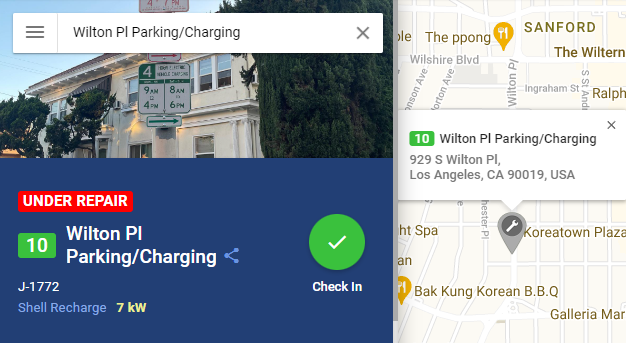
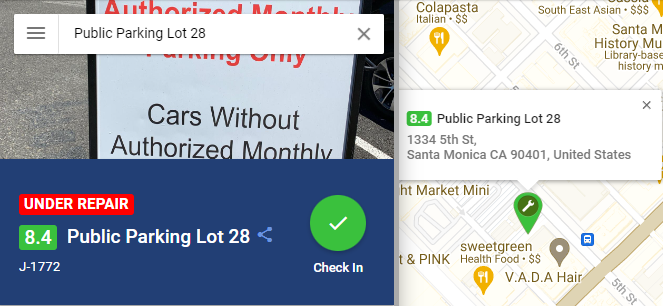
Wrench (under repair):
Indicates either the location is coming soon, under repair, and are not available for use at this time. The wrench symbol can appear for all types of locations/colors listed in the Swap Legend.
- Locations which are (Coming Soon): Appears if there is a location that is not yet installed or online for public use, but will be active and available for EV charging within 30 days of being listed on our map. The location icon will appear as a wrench symbol, but you will see the text (Coming Soon) following the location name if you click on the icon to view the Station Summary.
If you come across a location that is no longer 'Under Repair' or 'Coming Soon' and needs to be updated, please flag the location by using the "Report" button or let our team know by Submitting a request with the location name or address.
Comments
0 comments
Please sign in to leave a comment.